Redact with confidence.
Secure by design.
DraftRedactor is a security-hardened PDF redaction tool. Core processing happens on your device with flexible, user-controlled AI integration options.
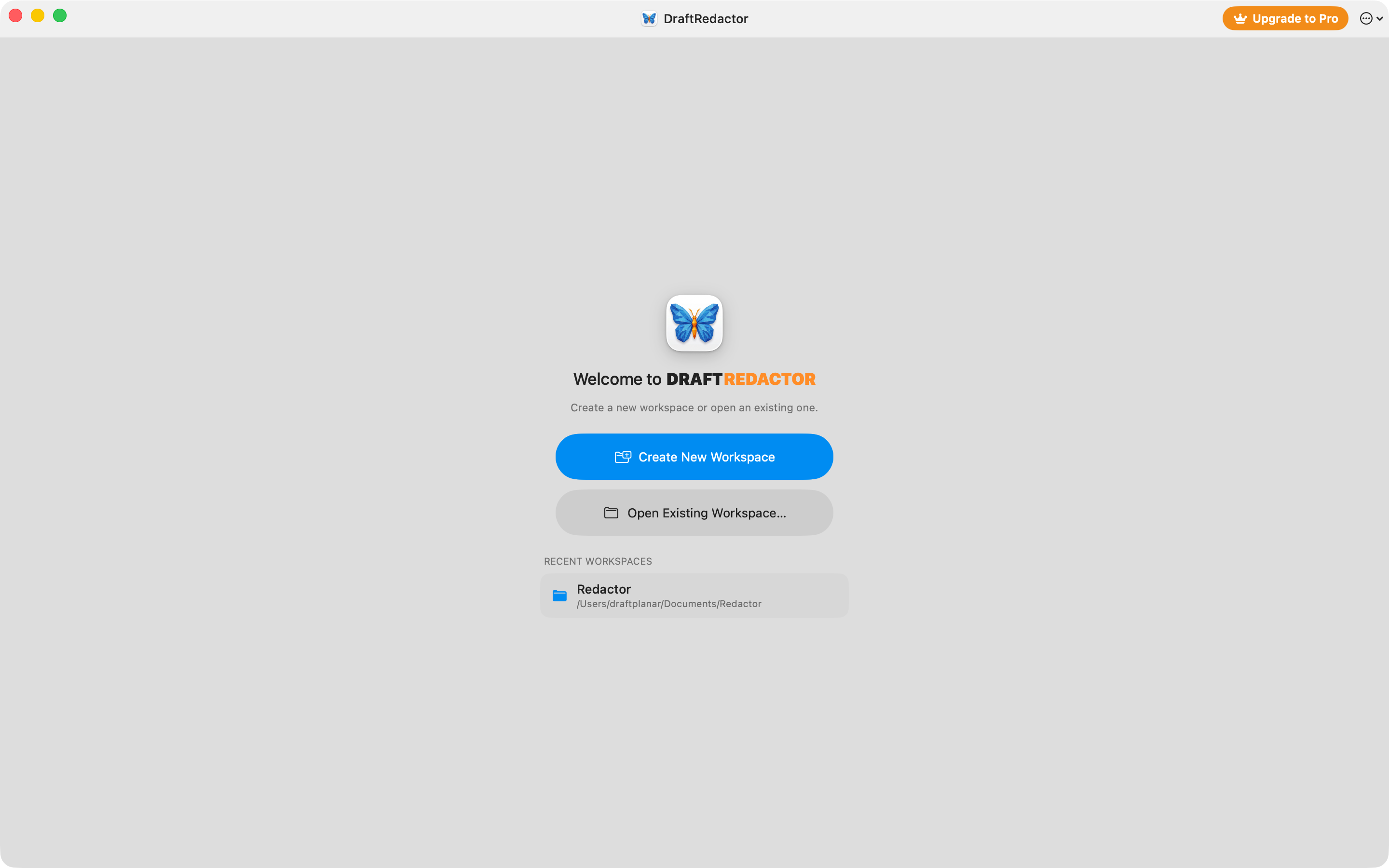
Designed for Extreme Privacy
Natural Language VLM Queries
Use natural language to find exactly what you mean, not just what you type. Our integration combines VLM semantic understanding with Apple Vision text reconciliation, ensuring pixel-perfect redaction selections every time.
Deterministic Regex Engine
For strict compliance needs, use our powerful Regex engine to lock onto exact, formatted patterns such as phone numbers, credit cards, or internal tracking IDs with zero false positives.
Flexible AI Boundaries
Run core extraction entirely offline. Choose to run local VLMs via Ollama to keep data air-gapped, or configure your own secure cloud APIs (Gemini, OpenAI) taking full control of your data privacy.
Permanent Redaction
We don't use black-box overlays. DraftRedactor physically reconstructs the PDF and permanently destroys the underlying vector data and pixels containing PII.
Spatial Document Review
Lay out multiple source files and forms side-by-side on an infinite canvas. Easily compare redaction contexts without switching tabs, driven by our native 60 FPS Metal rendering pipeline.
Content-Stream Sanitation
We go beyond visual overlays. DraftRedactor physically parses the PDF content stream to strip out hidden threats, such as text hidden by clipping paths, invisible vector remnants, and same-colored text that optical redaction misses.
Test It Yourself: Download Sample Data
Don't just take our word for it. Download these before-and-after PDF pairs. Try using text extraction tools (like pdftotext), select-all copy, or viewing the raw content stream. You will find zero leaked data.
Quantum Semiconductor Research
Security Test Document
Semantic Search Prompts
Unlock the full power of AI. Copy these natural language prompts into DraftRedactor to instantly sanitize your documents.
Trade Secrets & IP
Redact all mentions of proprietary algorithms, trade secrets, unreleased product codenames, and core competitive advantages.
Customer Data
Find and redact all customer names, client lists, service agreements, and direct communications identifying third-party business partners.
Personally Identifiable Information (PII)
Redact all personally identifiable information, including names, physical addresses, email addresses, phone numbers, and government-issued IDs.
Financial Information
Redact all non-public financial data, including revenue projections, internal budget allocations, pricing strategies, and unannounced quarterly earnings.
Frequently Asked Questions
1Is the Pen Tool used for redaction?
No. The Pen Tool is exclusively for annotation—it helps you mark things to remember or leave notes. It does not redact or securely remove content from the PDF stream.
2What are the ways to redact content?
DraftRedactor offers 4 secure ways to redact:
1. Text Selection: Highlight text and press Cmd+D to redact it.
2. Rectangle Tool: Draw a shape over any area to redact everything underneath.
3. LLM Semantic Search: Use natural language to find context-specific data, review the results, and accept/reject.
4. Regex Matching: Automatically detect patterns (like SSNs or emails), review, and apply.
3Can I work on multiple pages or documents at once?
Yes! You can upload multiple pages into the same infinite canvas workspace and export all of them simultaneously in a single batch.
4How should I organize my work?
We recommend creating a new workspace for each case. Using the built-in workspace management tools will significantly boost your productivity and keep your redactions organized.